YOTP Customer Loyalty Module -How Customers Redeem Points
YOTPO Customer Loyalty module
Redeem Points On-site Module (Interactive)
For the full info please visit the following Yotpo page:
Layout
When your customer goes to your LOYALTY Page, after logging in, they will see the reward point options.
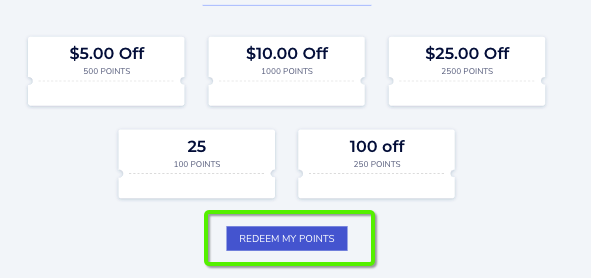
Redeem button
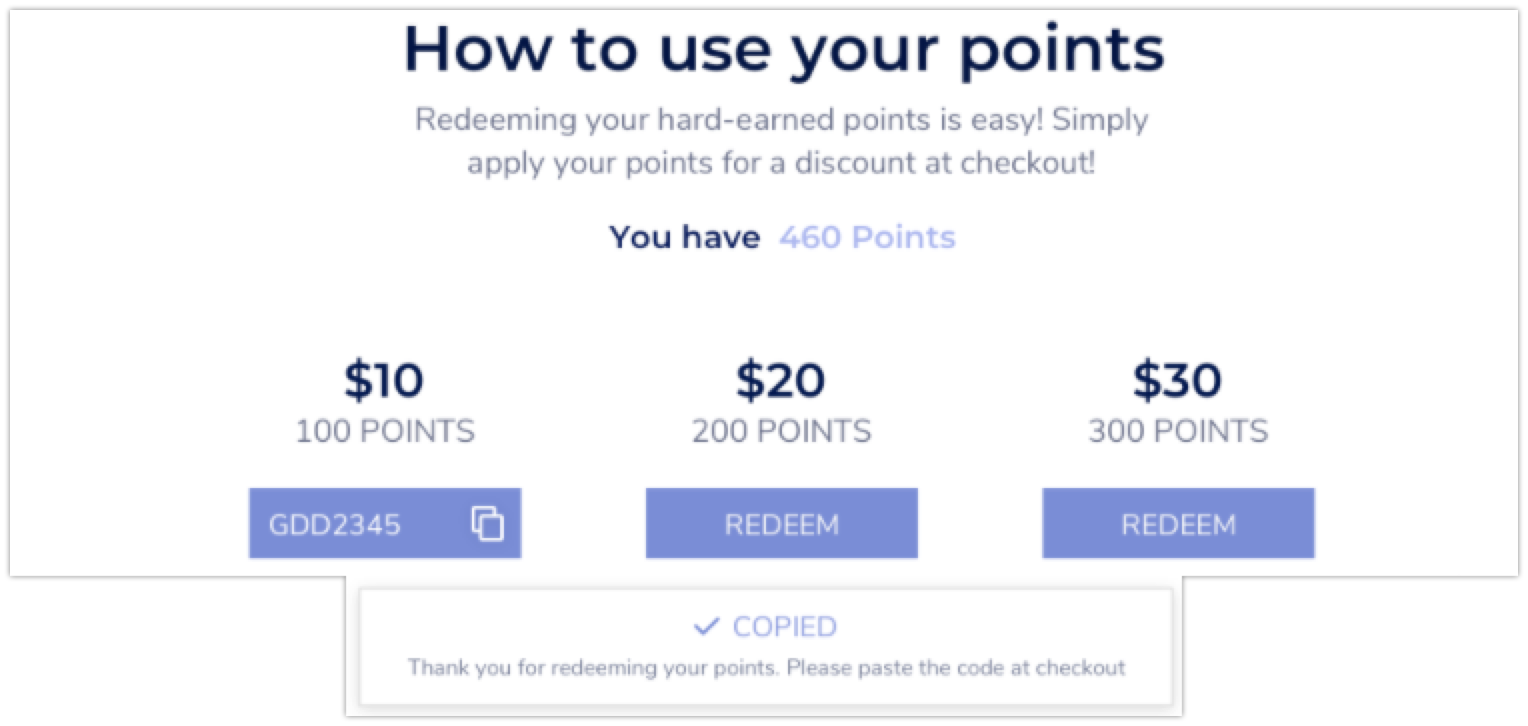
When they CLICK on the REDEEM button the REDEEM button will display the discount code which they can copy and use during checkout as a discount code. 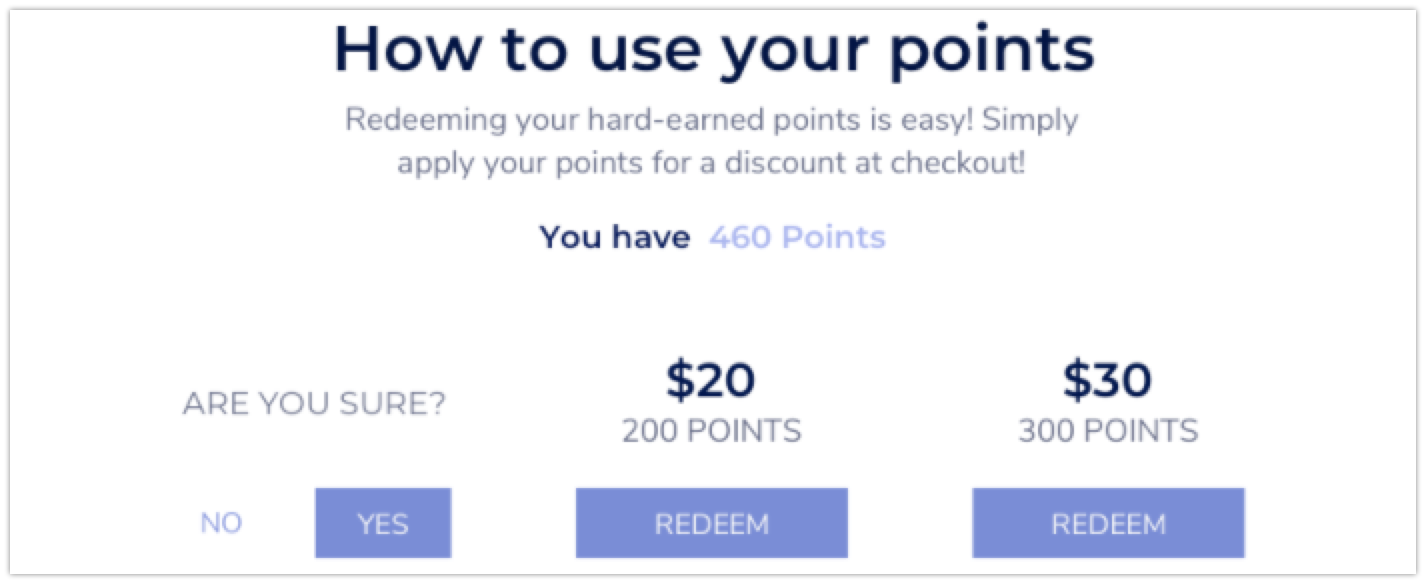
If the customer clicks yes, points are deducted from their account, and they are given the reward code. They need to copy it and apply it at checkout.