Adobe Payment Services
Buttons
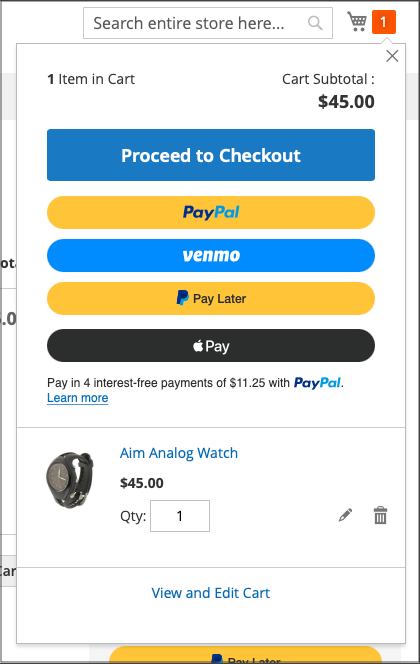
Button are visible from the product page, mini-cart, shopping cart, and checkout views.
Credit Card and Credit card vaulting
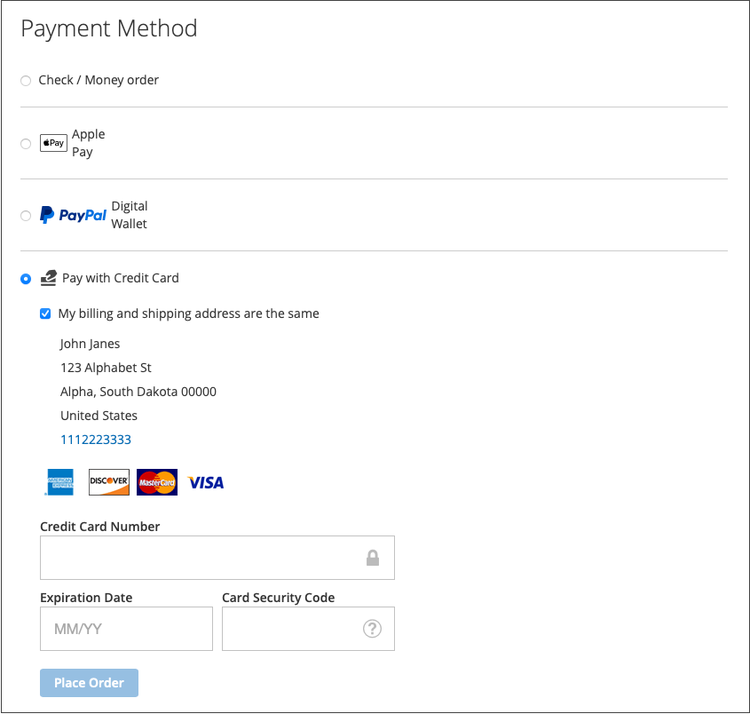
Credit Card Fields provide a simple and secure checkout for credit card or debit card payment methods.
Enable credit card vaulting for your stores to allow shoppers to vault (save) their credit card information for a fast, secure and convenient checkout.
See PCI compliance for more information.
Apple Pay button
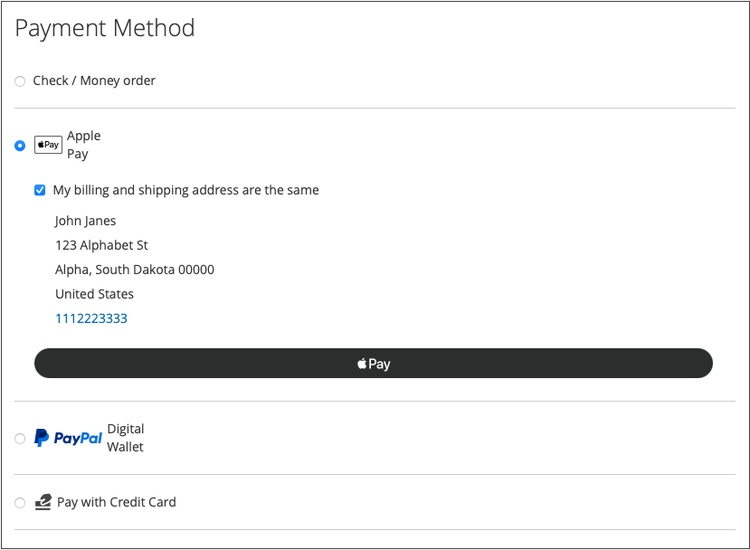
Customers can use Apple Pay, which uses credit and debit card payment credentials stored on an iOS or macOS device, to make purchases.
Apple Pay is only available in the Safari browser. Merchants can add up to 99 domains per merchant account.
Google Pay button
IMPORTANT
Payment Services onboarding must be completed before payments can be processed.
You can find more information at:
https://experienceleague.adobe.com/en/docs/commerce-merchant-services/payment-services/payments-checkout/payments-options
https://experienceleague.adobe.com/en/docs/commerce-merchant-services/payment-services/payments-checkout/payments-options